Design system
The Navya design system
The tokens, type and components every page is built from. Colours are checked against WCAG AA, and components are shared, so a change here updates the whole site.
Colour
Warm ivory surfaces, deep pine for structure and action, and a sparing apricot accent. Tailwind’s default palette is switched off, so only these colours exist.
Surfaces
canvas
#f7f2ea
Page background
ivory-50
#fcfaf6
Raised surfaces, inputs
sand-100
#efe7da
Quiet sections, notes
sand-200
#e3d5c0
Image placeholders
sage-100
#e5eae0
Feature sections
Brand
pine-900
#14302a
Dark sections
pine-800
#1b3d33
Primary buttons
pine-700
#26503f
Hover, accents on light
apricot-300
#edb48f
Actions on dark, highlights
apricot-700
#9a4f2c
Eyebrows, errors on light
Text
ink
#1a2420
Headings and body
ink-muted
#4d5853
Secondary text
on-dark
#f7f2ea
Text on pine
on-dark-muted
#b9c7bf
Secondary text on pine
Text contrast (WCAG 2.2)
- ink on canvas14.3:1 · AAA
- ink-muted on canvas6.6:1 · AA
- ink-muted on sand-1006.0:1 · AA
- ink-muted on sage-1006.1:1 · AA
- apricot-700 on canvas5.3:1 · AA
- on-dark on pine-80010.7:1 · AAA
- on-dark-muted on pine-9008.1:1 · AAA
- apricot-300 on pine-9007.8:1 · AAA
Typography
Fraunces, a soft variable serif, for headings; Manrope for everything you read. Both include the ₹ sign, and sizes scale fluidly between phone and desktop.
Display
Fraunces 360 · 44–92px · 1.02
A calmer way
Heading 2
Fraunces 380 · 34–56px · 1.08
Two specialists
Heading 3
Fraunces 420 · 22–28px · 1.2
Root canal treatment
Lede
Manrope 400 · 18–21px · 1.6
Longer appointments and honest advice.
Body
Manrope 400 · 17px · 1.65
Ten minutes in a quiet room, not the chair.
Small
Manrope 400 · 15px · 1.55
Five minutes’ walk from Indiranagar Metro
Caption
Manrope 400 · 13px · 1.5
Every first visit starts with a conversation.
Eyebrow
Manrope 650 · 13px · 0.16em caps
Your first visit
Italic is reserved for one emphasised word in a headline. Prices use tabular figures so columns line up: ₹42,000 · ₹1,20,000.
Buttons & links
Pill-shaped buttons echo the arch. One primary action per view; apricot fills a button only on dark surfaces.
On light surfaces
On dark surfaces
Minimum touch target 44px (md) and 52px (lg). Every interactive element shows a 2px focus ring, pine on light surfaces and apricot on dark.
Form fields
Visible labels, optional hints, and errors in words, never colour alone. 16px text so phones don’t zoom in. Used by the booking form on the Book page.
We’ll call to confirm a time.
Please enter a 10-digit mobile number.
Patterns
Reusable pieces built from the tokens above. Sections combine an eyebrow, a heading and a short lede.
Section opener
Eyebrow label
A heading in the display serif
An optional lede in muted text sets up the section in a sentence or two.
List row (treatments, linked)
Dental implants
A long-lasting, natural-looking replacement for a missing tooth, planned with a 3D scan.
from ₹42,000incl. crown · 3–4 months
Live status & labels
Mon–Sat 10 am – 8 pm · Sun 10 am – 2 pm
Illustrative reviewStep marker
The arch motif, scaled down to number a sequence.
Imagery
Natural light, real-looking people, one warm grade. The arch frame is reserved for featured images (no more than one per section); supporting images use a plain frame.
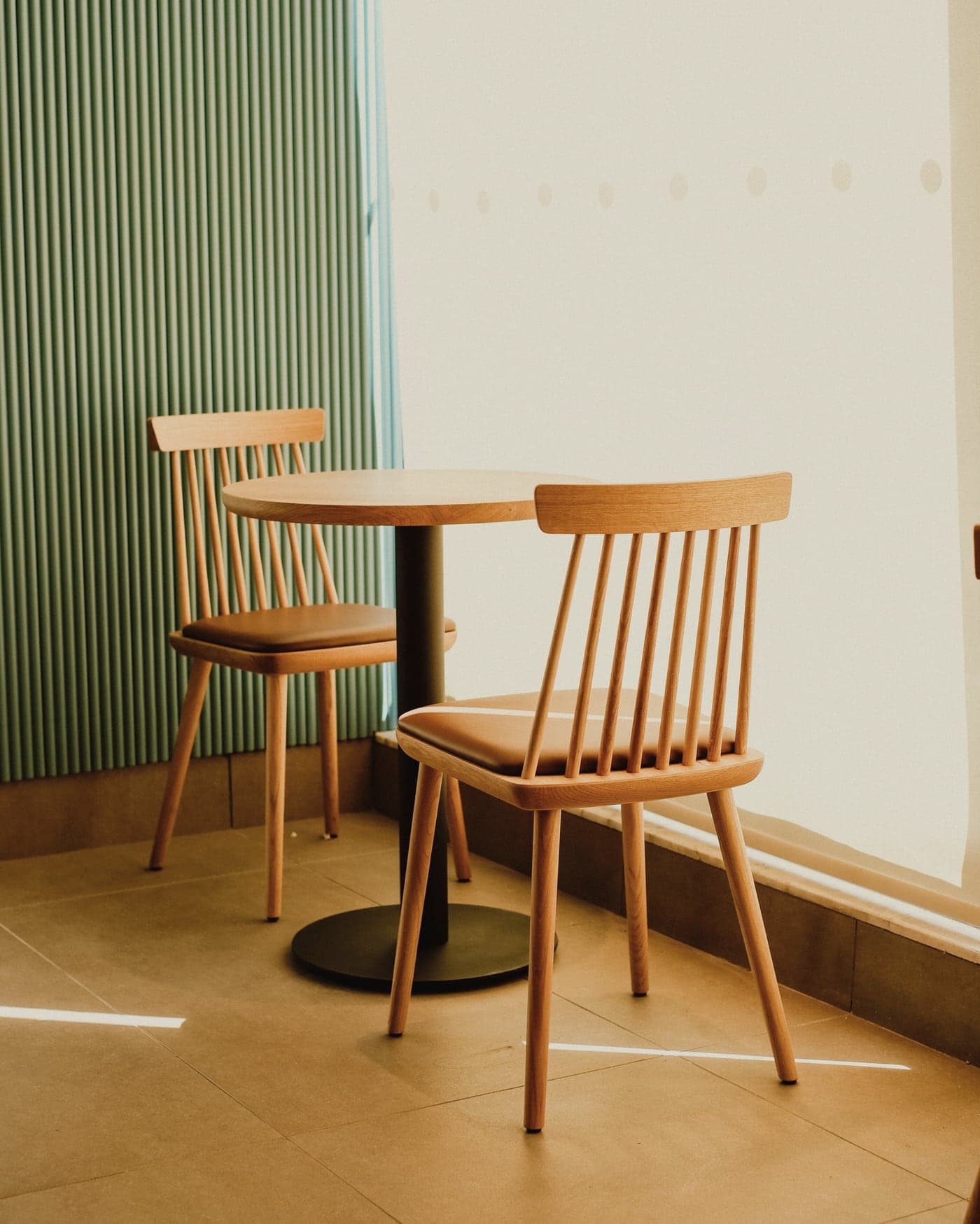
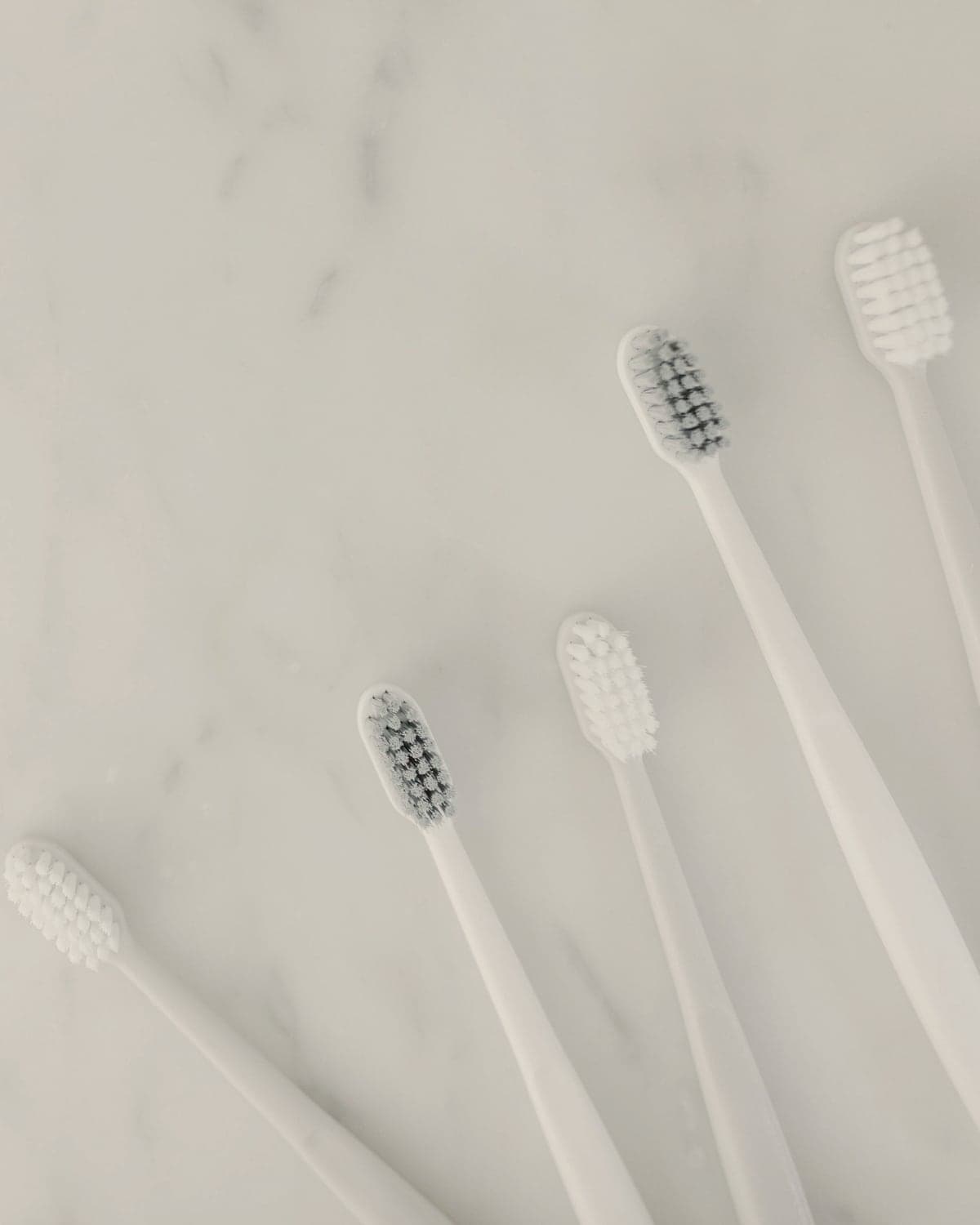
- Avoid: hospital-blue rooms, stethoscopes on dentists, glossy veneer smiles, teeth close-ups.
- Every photo passes through scripts/prepare-images.mjs for the shared crop and colour grade.
- Alt text describes what matters in context; decorative shapes are hidden from screen readers.
Space, shape & motion
Generous space and hairlines instead of boxes and shadows. Motion is quiet and always optional.
Spacing (4px base)
- 4px
- 8px
- 16px
- 24px
- 32px
- 48px
- 64px
- 96px
Sections breathe with 72–144px of vertical padding, scaling with the screen.
Radius & elevation
xs · 2px
sm · 4px
md · 8px
pill
arch
Soft shadow for layered images, float shadow for overlays only. Cards are flat, divided by hairlines.
- Hover: colour and underline changes, arrows nudge 4px. 200ms, gentle easing.
- Images fade up as they scroll into view (CSS scroll-driven animation, no JavaScript).
- With “reduce motion” switched on, all of it is turned off.